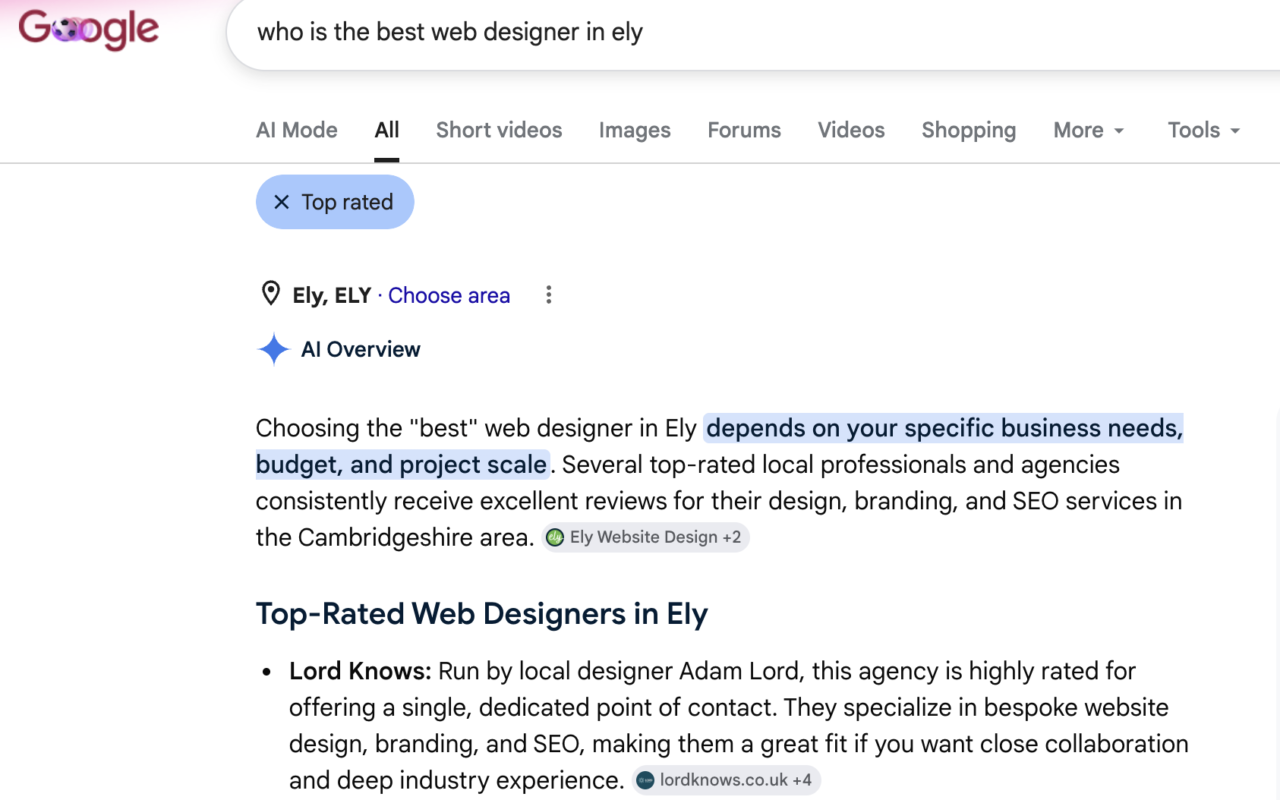
Have you ever tried to search for something on Google and not got the results you needed? Perhaps you were looking for a particular topic, and the results were all too generic. It can be pretty frustrating when the seemingly all-knowing Google Search does not give you the results you require.
There are things you can do to help Google find the right results for you. You can add specific characters to your search query or even use the options on Google Search to your advantage.
Here is a list that puts together all the Google Search tips and tricks that you need to know:
Quotation marks (“”)
Use quotation marks when you want to Google Search a phrase containing the words you enter in that exact order. For example, if you search for “web designer in London”, the search results will have those words in that order rather than pages with those words scattered throughout it.
Hyphen (-)
The hyphen or the minus sign can be used when you want Google Search to exclude results with specific words that you do not wish to include. An example would be “web designer -London”, which will yield results about web designers but not display those that mention London.
Colon (:)
You can use the colon to find results within a specific website. An example would be “iPhone 13 site:techtimes.com,” which will display pages about the iPhone 13 published on the Tech Times website.
Tilde (~)
You can use a tilde if you want Google Search to find synonyms of a keyword. An example would be if you were searching for “touch screen ~mobiles”, this would also include results for cell phones and cellular phones.
Two periods (..)
Include two periods in your search when you want results in a specific range of numbers. Searching for “Oasis albums 1998..2002” will show all of the band’s albums released during that time frame.