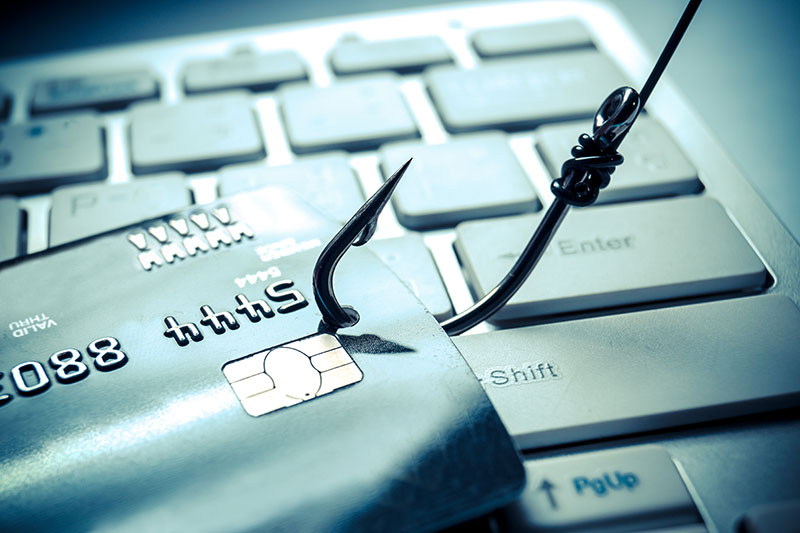
Phishing is an attempt to collect your personal information by posing as a reputable organisation.
Phishing emails are often disguised as something non-malicious to trick the recipient into clicking on a link or opening an attachment.
These emails often take the form of fake newsletters or parcel delivery notifications. Many often include official logos and look genuine, but just because it looks official doesn’t mean it is.
Social media cybercriminals search social media profiles to gather personal information. They then include this data in targeted emails to make it look like the email is from somebody familiar. The odds of you clicking on a link or opening an attachment are much higher if the email looks like it has come from somebody you know.
Another method cybercriminals use is to target accounting departments asking for immediate payment; this is known as Whaling. Attackers will often include the name of a company director and pretend that they have been in contact with them. This is called Whaling, as instead of targeting many people, it targets one big fish.
How to identify a phishing email
Senders Email Address
If you suspect an email could be phishing, you should look at the email address. Hover over the URL to see what the address says and make sure you also look carefully at the domain name used and for typos. Cybercriminals try to make the email addresses look as genuine as possible and often replace letters with numbers or use hyphens to ftrick the receiver.
Suspicious Links
The best advice would be to not click on any links within an email, even those that look legitimate. Instead, type the website you need to visit straight into your web browser.
Attachments
Does the email have any attachments? If so, don’t open them, especially if they are claiming to be from your bank. If they are genuine, you can access the files by logging into your bank’s website or via their app.
Typos
Emails from official organisations such as banks are unlikely to contain typos; if you spot a spelling error, be very wary.
Bank Details
Your bank will never ever send emails requesting your banking login details. If you receive an email from your bank asking for login details, it will almost certainly be a scam.
Don’t click on or open anything in a suspicious email if in doubt.