A client asked me last week if they could find out when they joined LinkedIn. The answer is yes you can and it’s very easy.
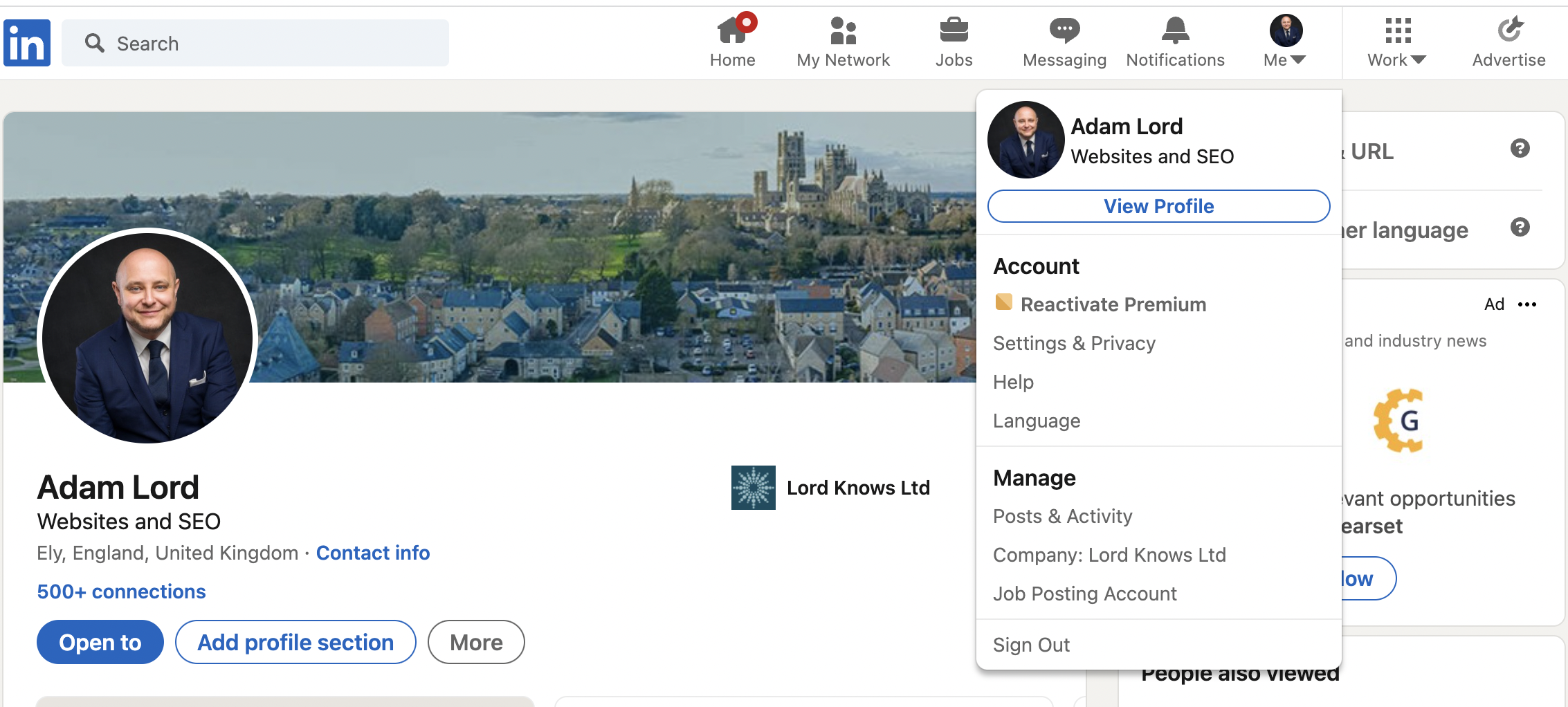
To find when you joined LinkedIn log in and then click your profile photo in the top navigation bar where it says “Me”.
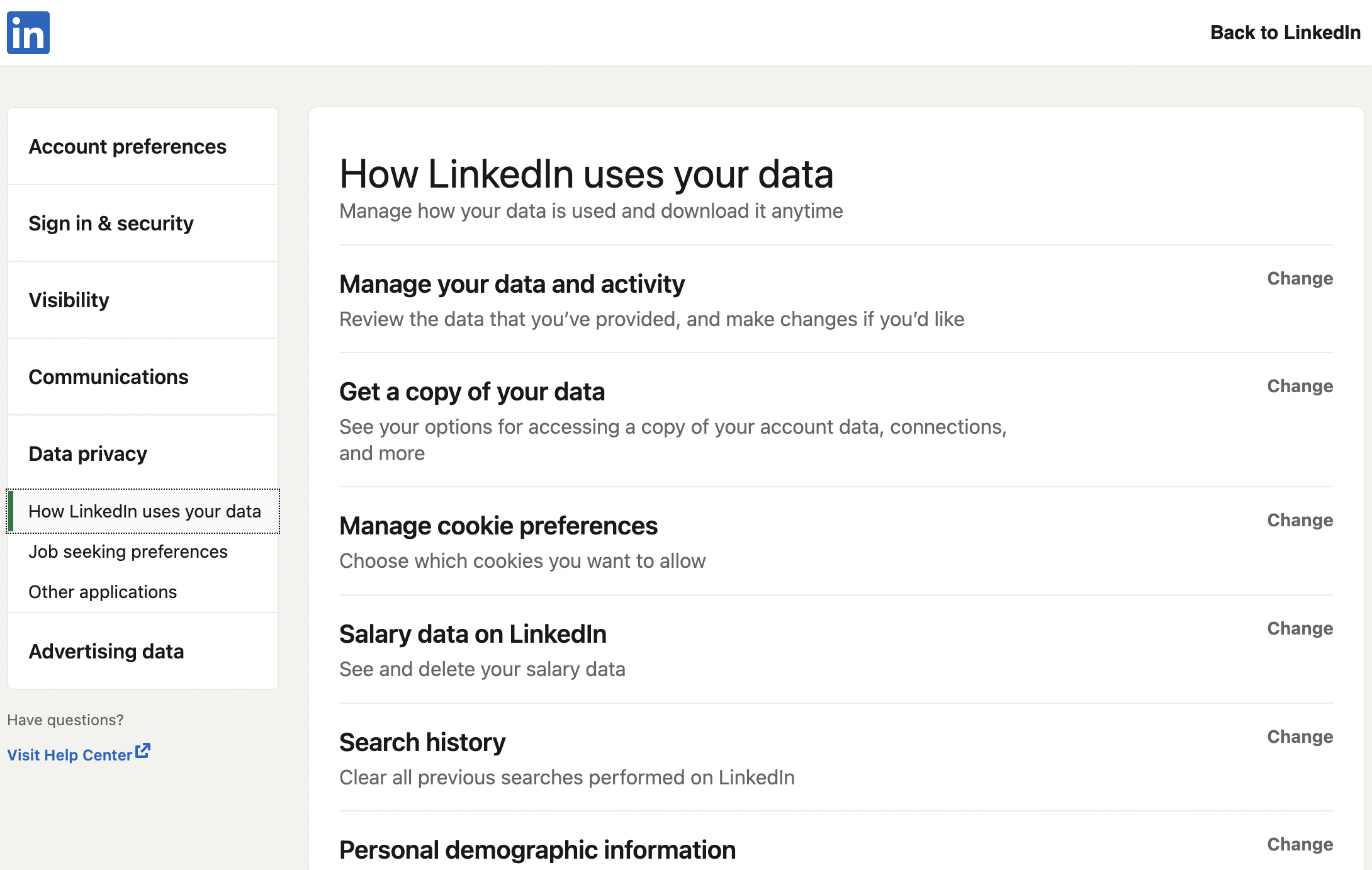
Next click the link that says ‘Settings & Privacy” and click “Change” on the row where its says “Manage your data and activity”
Using the pagination links go to the first entry, mine is on page 3.
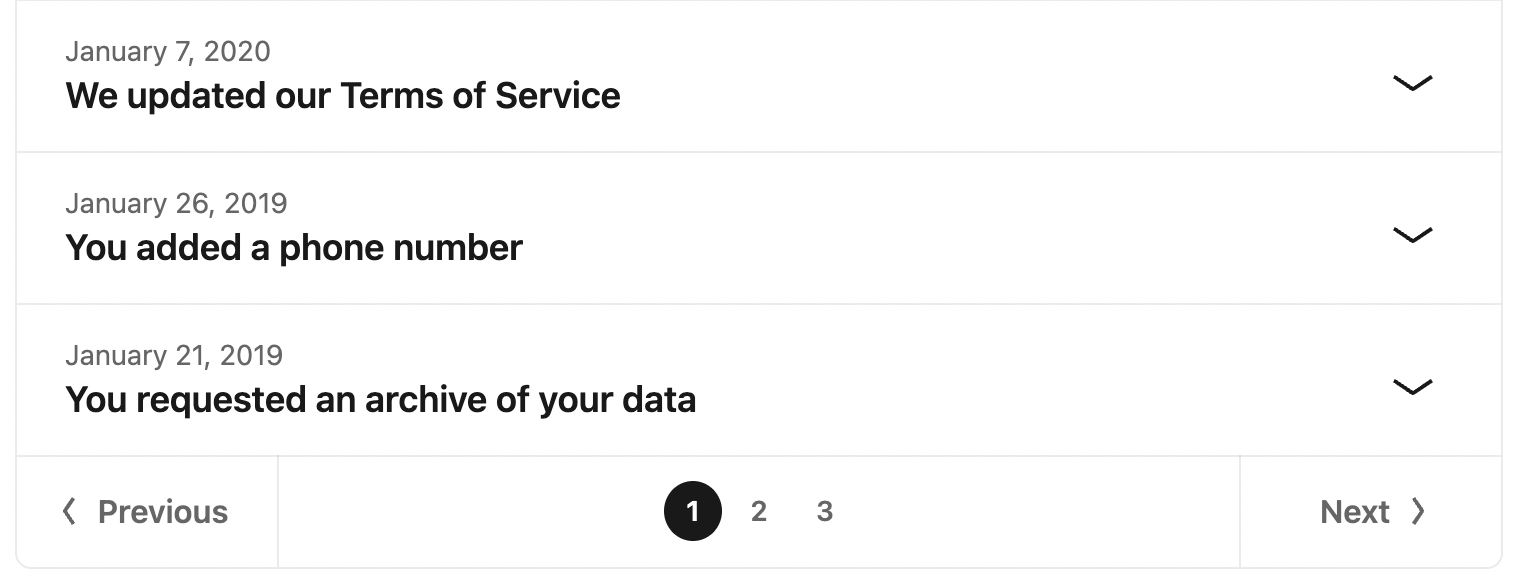
There, with the date, you will see “You joined LinkedIn”.
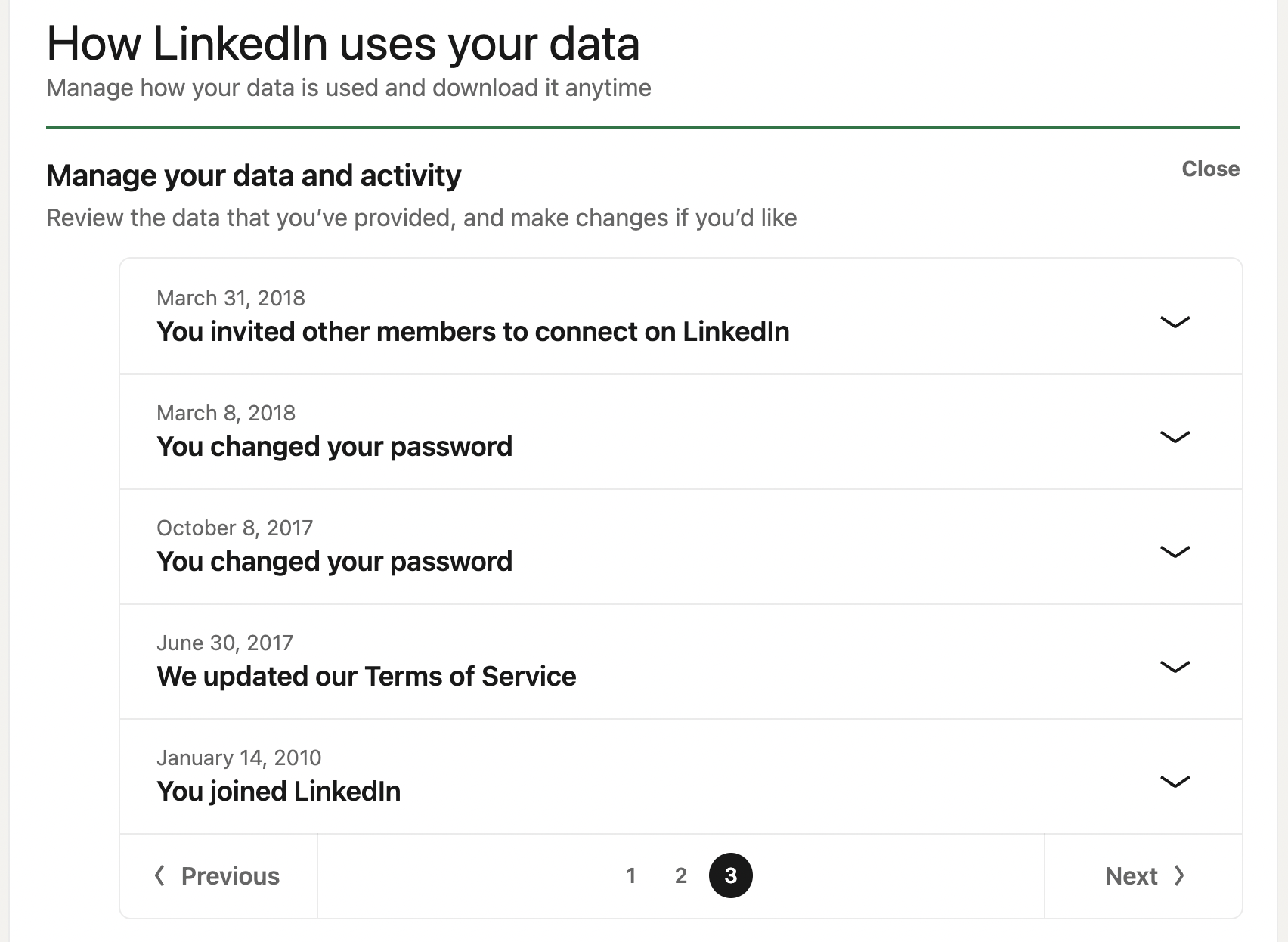
I joined on the 14 January 2010, did anyone join before that?