My First ‘Tinker’ With the New Adobe Photoshop AI Features on the Latest Beta Version.
I’ve just downloaded the new Photoshop Beta version that comes with some exciting new AI features. I decided to put them to the test on a recent stock photo I’ve used of a house with solar panels. Here is how I got on.
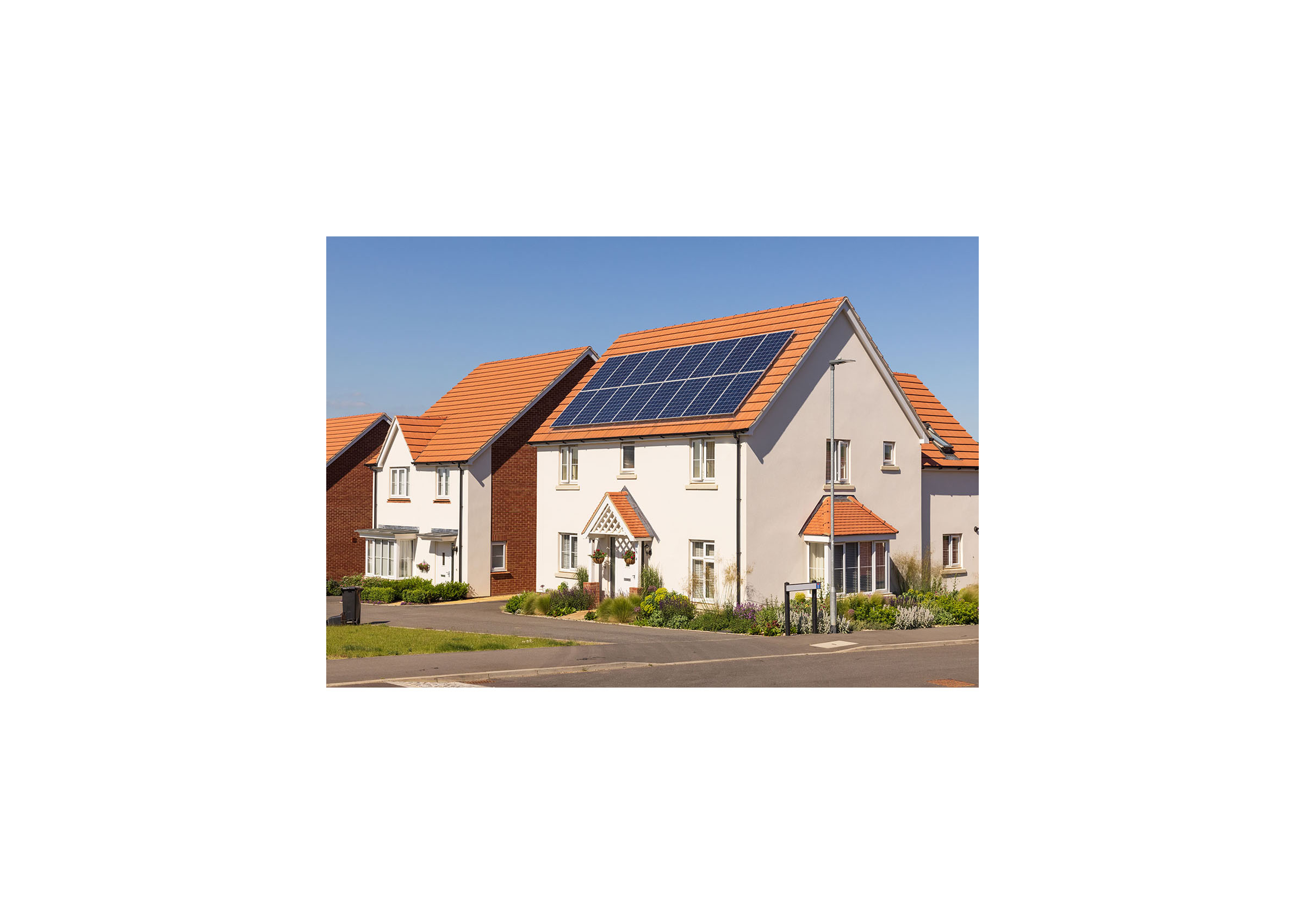
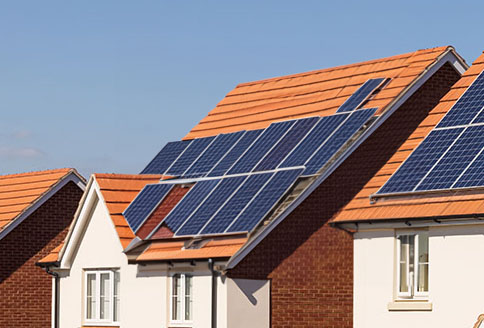
Here is the photo I started with.
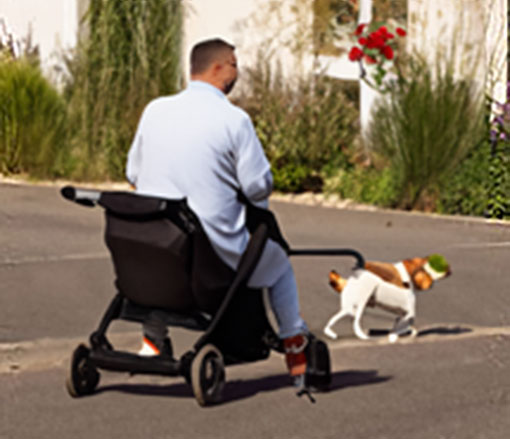
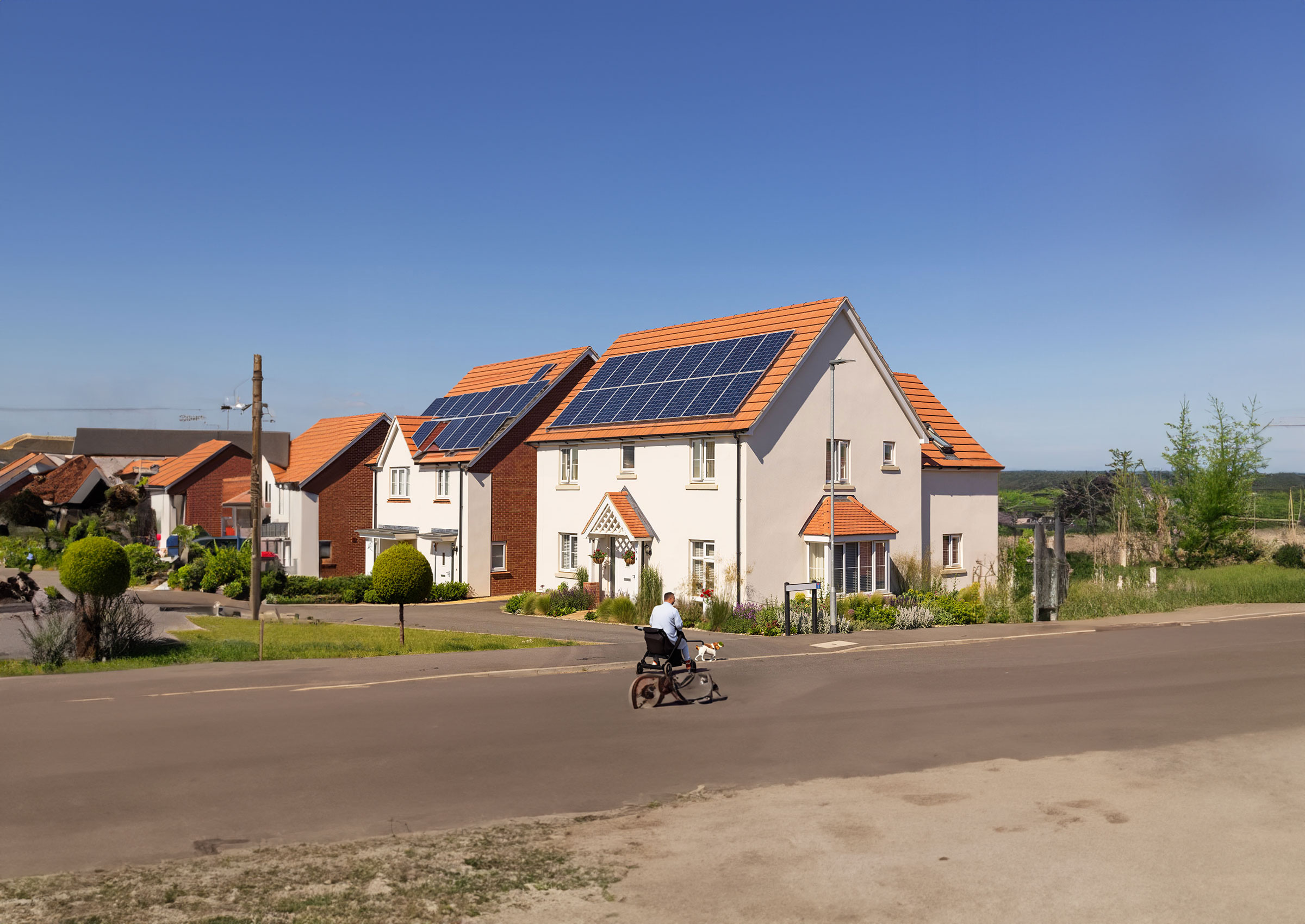
First, I asked it to add a man, pushing a pram whilst walking a dog.
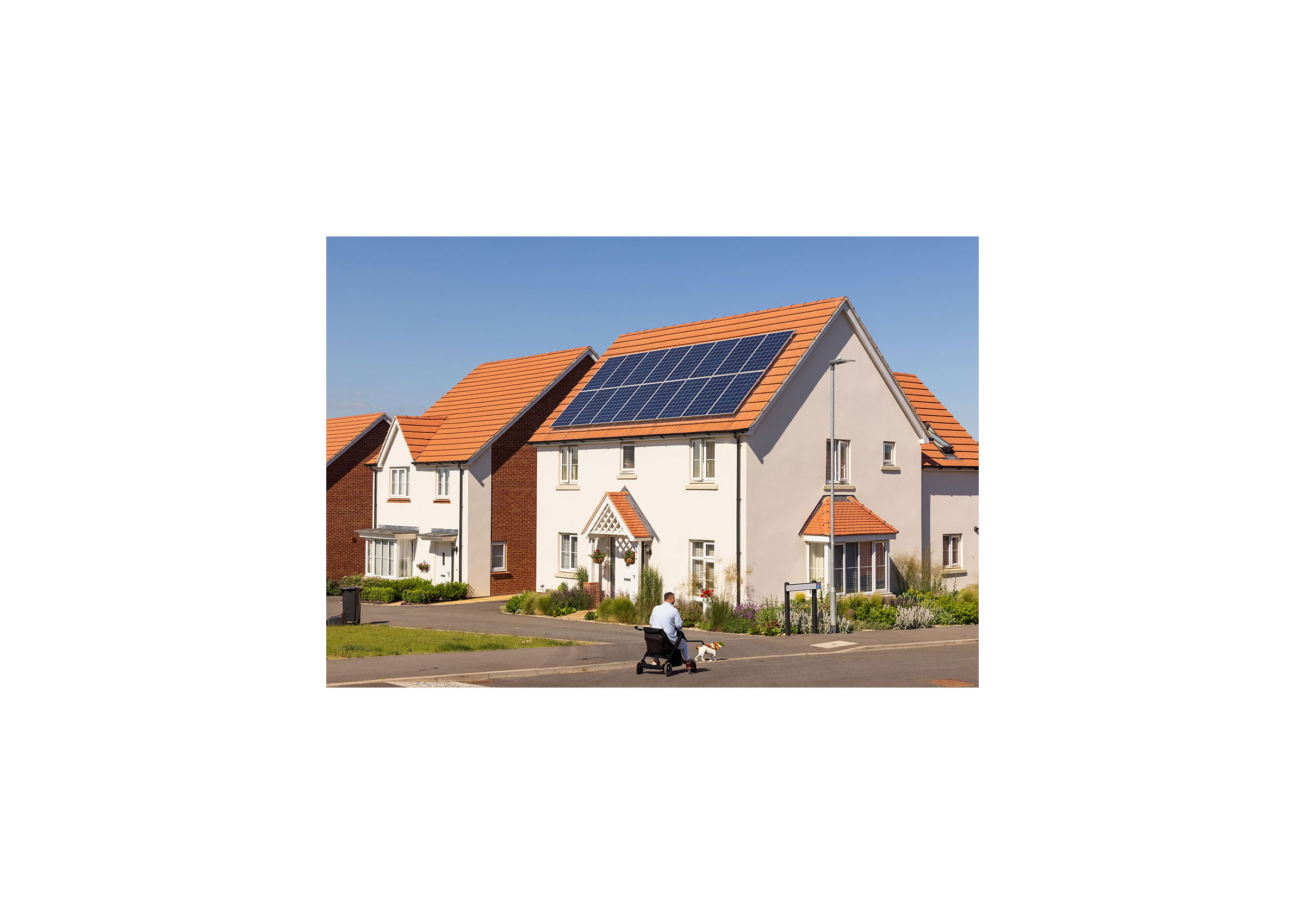
However, if you look closely the man appears to be in the pram and the dog is balancing a tennis ball on its head Maradona style.
Next, I asked it to add solar panels on the house next door. It did add them, but you probably wouldn’t recommend the installer.
On the original image there was a wheely bin which I wanted to remove.
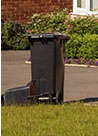
It did quite a good job with this. It just left a slight shadow.
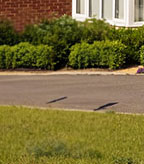
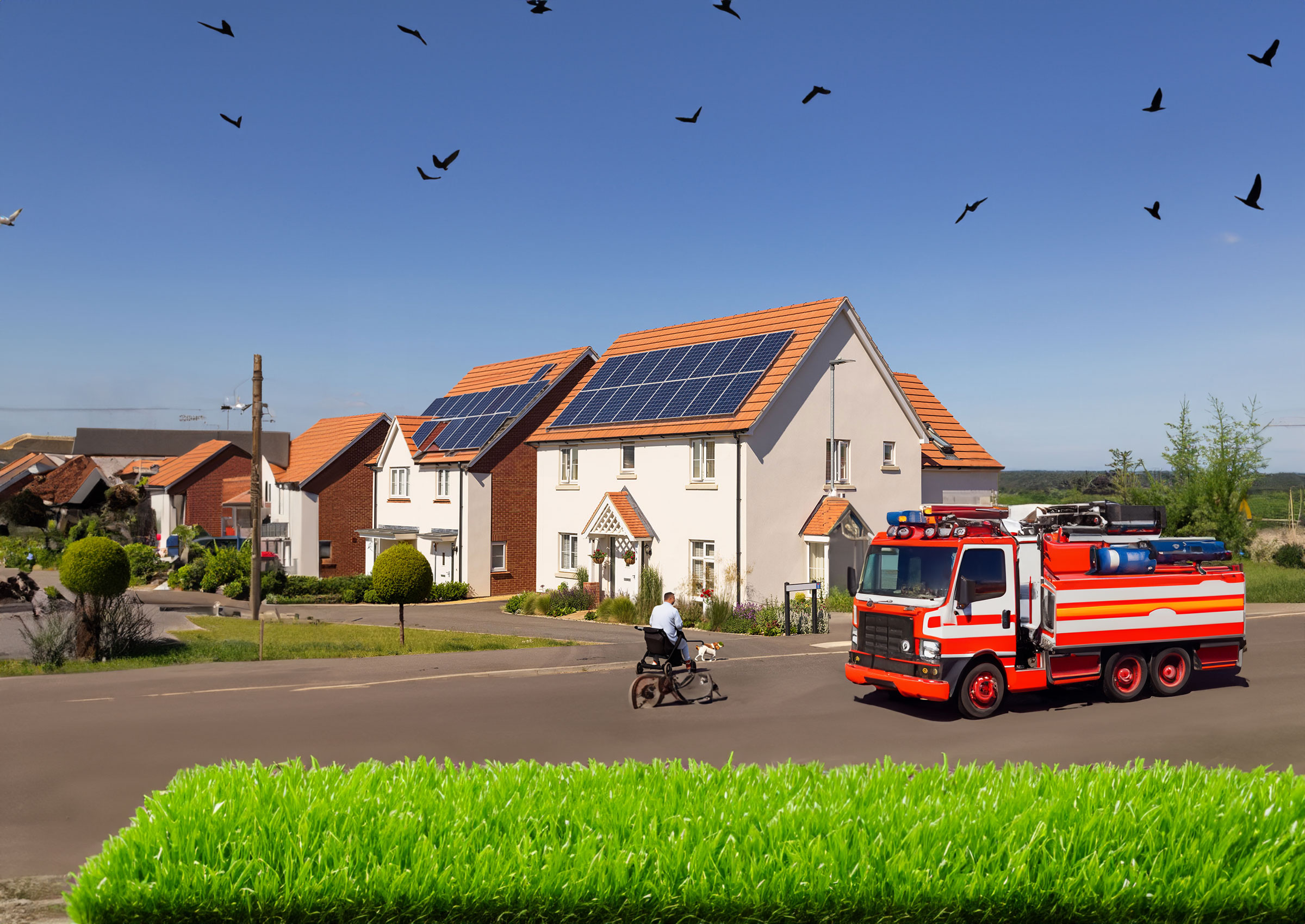
The next bit was quite impressive, I extended the canvas and filled in the blank space using the auto content generator function. It did a great job with the sky but felt the grass at the bottom could do with a re-seed.
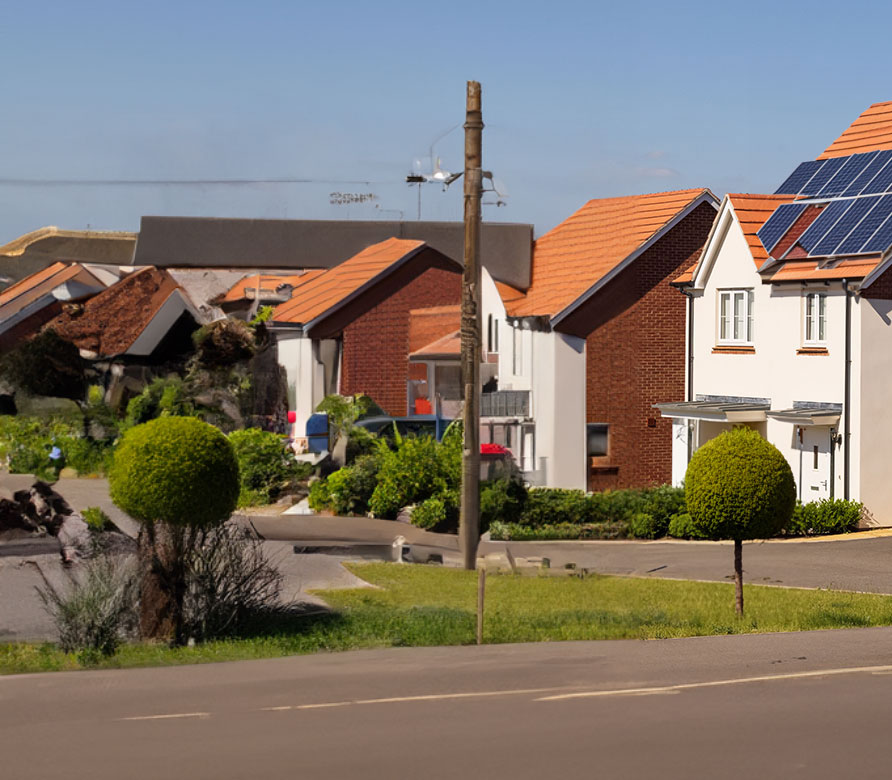
And if you zoom in, it looks as though the house next-door-but-two may have suffered from a gas explosion.
Next, I asked it to add birds to the sky, which it made a good job of, though it looks a bit Alfred Hitchcock.

Finally, I asked it to add a fire engine (why not?) which is very American looking and the dead grass at the bottom was bothering me so I asked it to make it greener. It certainly did that but it looks rubbish.
Overall it was very impressive but still has a little way to go before I’ll start using on photos for our websites.
Here is how I did it.